
Anime Snapshot Conversion — GPT Image 2 Prompt & Example
Prompt Used
Original technical prompt, kept as-is for reproducible generation.
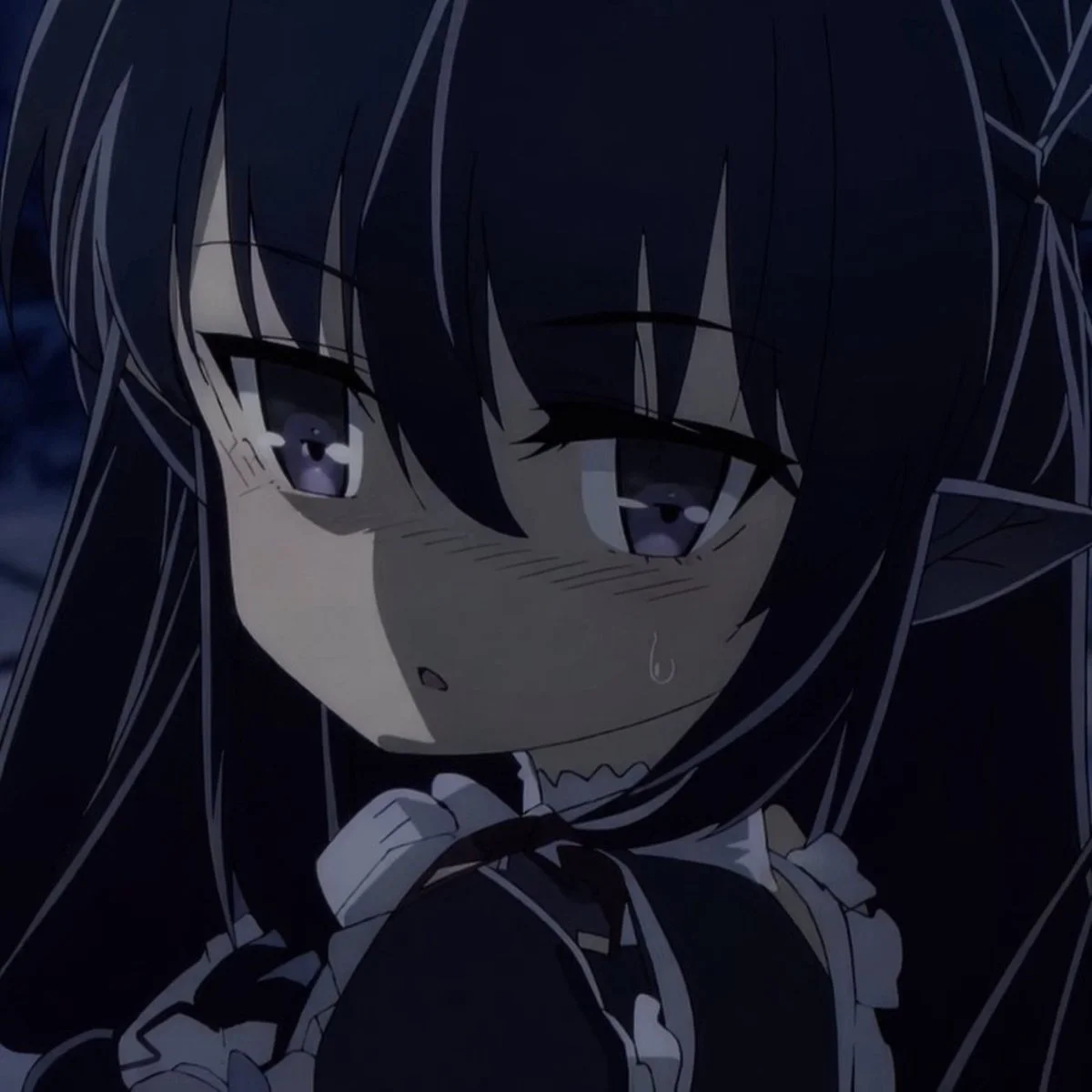
A realistic photo transformed into an authentic anime snapshot. GPT Image 2 accurately captures cel-shading, vibrant colors, and classic anime visual language.
Share this image


Generation Parameters
- Model
- GPT Image 2
- Aspect Ratio
- 3:4
- Dimensions
- 1024 × 1024
- Quality
- High
- Category
- Character
Tags
About This Image
A realistic photo transformed into an authentic anime snapshot. GPT Image 2 accurately captures cel-shading, vibrant colors, and classic anime visual language. This example demonstrates GPT Image 2’s capability for identity consistency, showing how the model handles Character content with accuracy and detail.
Prompt-writing tips from this example:
- •Be specific about the subject — this prompt names “Anime Snapshot Conversion” directly, giving the model a precise visual target.
- •Specify composition details like background, lighting, and camera angle to reduce ambiguity.
- •Set generation parameters explicitly (Quality: High, Aspect Ratio: 3:4) to control output dimensions and fidelity.
GPT Image 2 helps maintain character design consistency across poses, scenes, and reference-style sheets. GPT Image 2 follows layered instructions closely, so complex prompts like this can turn into final images with fewer revisions. Similar prompts work best with GPT Image 2 Ultra quality.
Want to generate images like this?
Start with GPTImager at $9.95/mo* — 500 credits, 4K upscaling, commercial license, and a 7-day money-back guarantee.
Get Started — $9.95/mo* →* Starter plan: $9.95/month when billed annually ($119.40/year) or $19.90 month-to-month.